
Cludo’s Commitment to Accessibility
Search that works for every visitor and every ability.
Visitors relying on a screen reader, a keyboard, or voice input shouldn’t get a worse experience than anyone else. Cludo’s search interface conforms to WCAG 2.0 AA, with WCAG 2.2 AA actively in progress, so accessibility isn’t a separate mode, it’s just how search works.
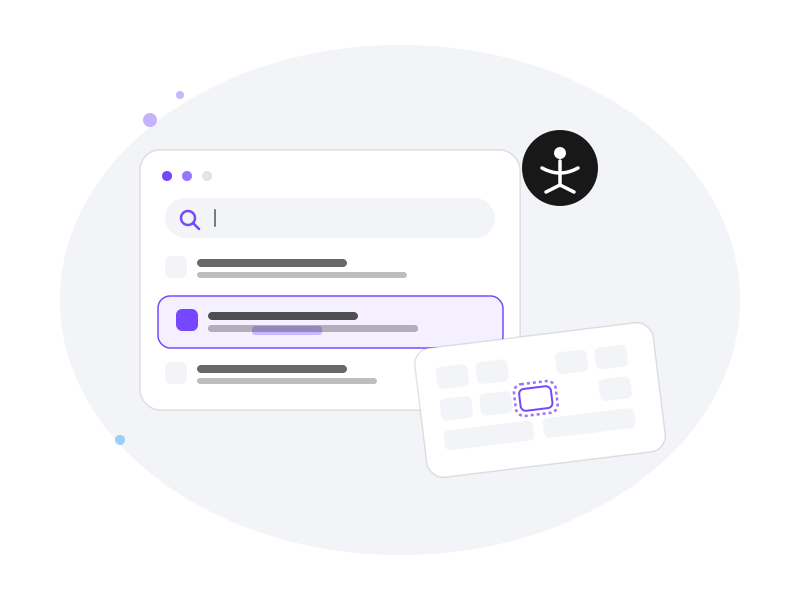
Inclusive, usable by default.
Accessibility isn’t a checkbox we tick once. It’s built into how we design templates, ship code, and support implementations.
Accessibility testing
Our professional services team pre-tests for accessibility throughout implementation, not just at the end.
Compliant templates
Our Rich Inline Template is built to align with WCAG 2.0 AA and US Section 508 guidelines from the start.
Voice search
Speech-to-text search gives mobile-first visitors and visitors with visual impairments another way in.
Web content highlighter
Once a visitor lands on a result, their search query is highlighted right on the page — no hunting through the content to find it.
Reading tool compatibility
Search results and pages work with the text-to-speech and reading tools visitors already have set up in their browser or device.
One accessibility standard, however you build.
WCAG 2.0 AA conformance isn’t a separate add-on step — it’s built into the templates and libraries you’re already using.
Accessibility conformance is a continuous investment for us — WCAG 2.1 AA is actively in progress as our next milestone.
Rich Inline Template
Cludo’s standard search template meets WCAG 2.0 AA out of the box — no extra configuration required.
React Component Library
Custom builds are tested and refined before handoff.
Search API
Building your own interface? It goes through the same rigorous testing before launch.
Accessibility was incredibly important for us. We used our own design system and incorporated very strong accessibility requirements throughout the build — that wouldn’t have been possible without Cludo’s fully customizable API.
Daniel Brellis, Web Developer · Chesapeake Bay Program
Common Questions
Accessibility FAQs
Accessibility Validation
We encourage you to test your final search experience as part of your organization’s standard accessibility review process. Since every implementation is unique, your organization is responsible for determining whether the experience meets your accessibility requirements and conformance goals.
As a starting point, we recommend checking:
- Keyboard & Focus – Tab through the search box, autocomplete, filters, pagination, and results to confirm all functionality is keyboard accessible and has a visible focus indicator.
- Screen Reader – Test the experience with a screen reader such as NVDA (Windows) or VoiceOver (macOS/iOS) to verify labels, navigation, and search result announcements.
- Automated Scanning – We use Siteimprove Accessibility Checker as part of our accessibility validation. You may also find browser extensions and tools such as axe DevTools, Lighthouse, or WAVE helpful for identifying additional accessibility issues.
- Contrast & Zoom – Verify color contrast and ensure the search experience remains usable and reflows appropriately at 200% browser zoom.
Note: No single testing method identifies every accessibility issue. We recommend combining automated and manual testing as part of your standard QA process. If accessibility expertise isn’t available internally, consider engaging an independent accessibility consultant to perform a comprehensive review before launch.
When an issue is found in production, whether by our team or by a customer’s own testing, the fix is incorporated into our core framework, so the improvement carries forward automatically rather than being a one-off patch.
Yes. Accessibility conformance is a continuous investment for us, not a one-time project — WCAG 2.0 AA is our baseline today, and WCAG 2.2 AA is actively in progress as our next milestone.
It’s published on our Trust Center — no request form or waiting required. We’re actively working on getting our VPAT updated and our MyCludo and Templates tested against WCAG 2.2AA compliance.