
Build AI Search experiences. No developers needed.
Experience Builder
Cludo’s Experience Builder lets your team launch intelligent chatbots and custom AI interactions directly on your website — in minutes, without writing a single line of code.


Customize Your Search in Minutes
What is the Experience Builder?
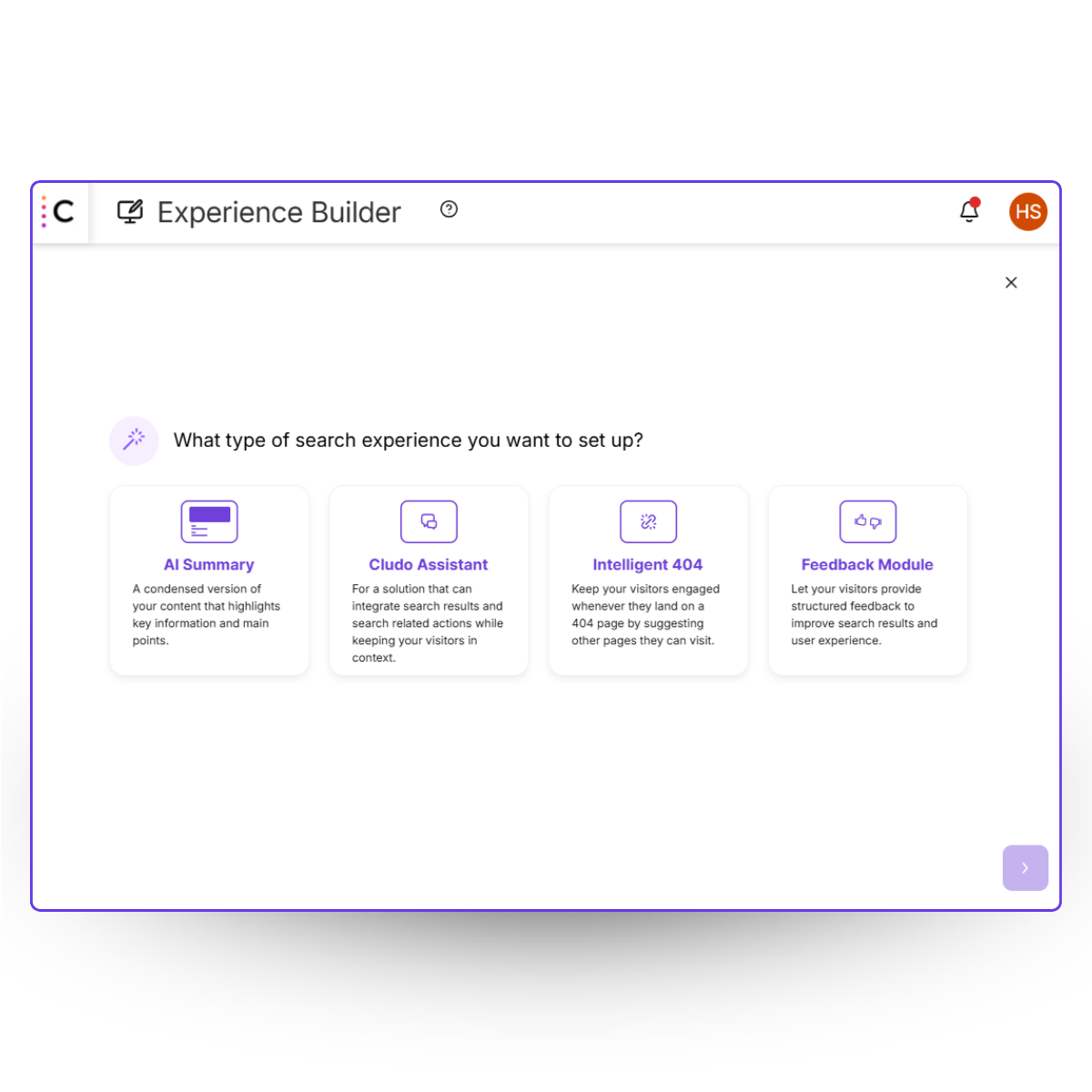
The Experience Builder is a tool that allows MyCludo users, regardless of their technical skills, to easily customize and manage their site’s search and AI experiences. It is particularly helpful for those who want to quickly modify and implement new functionalities without relying on extensive technical support.
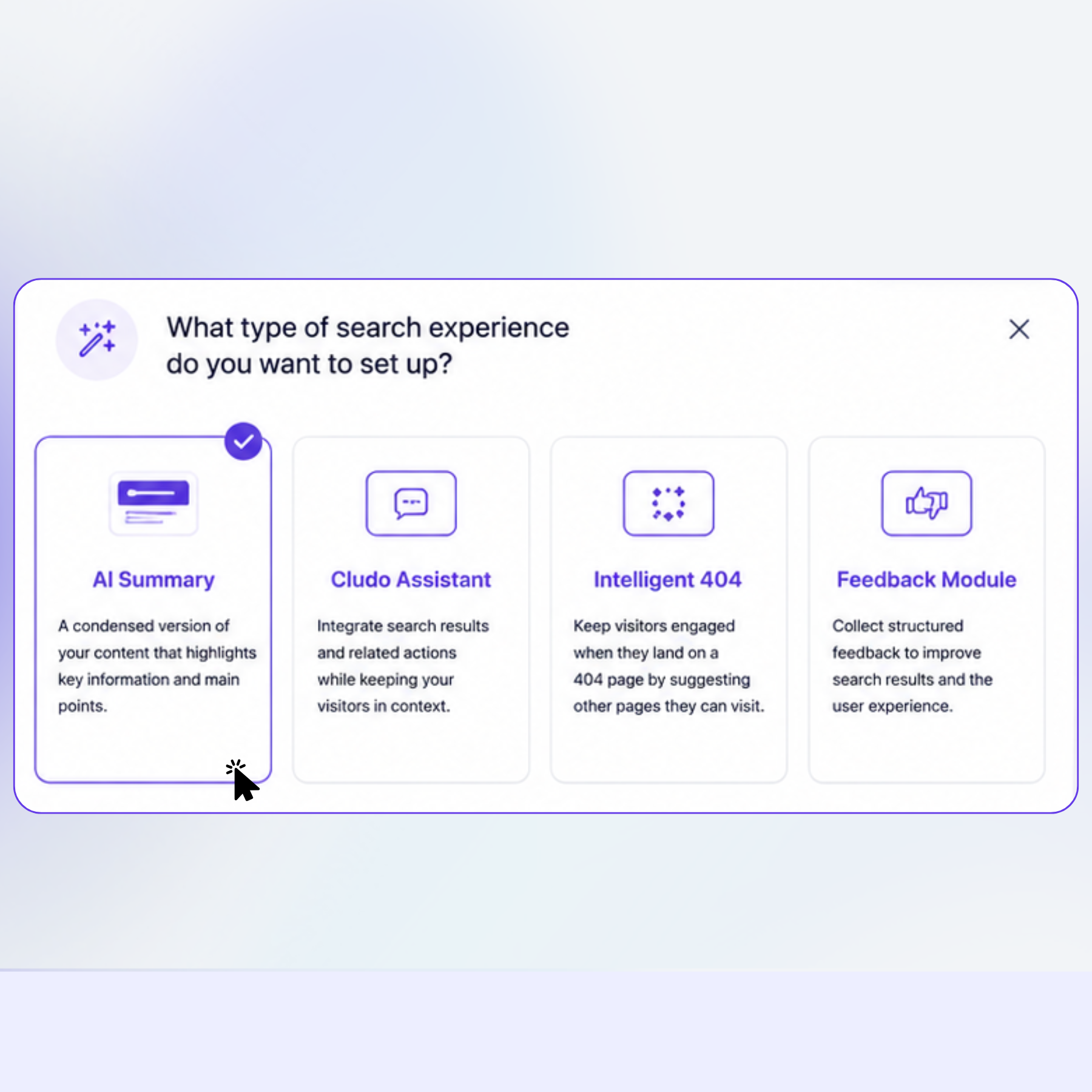
Use the Experience Builder to configure your own:
• AI Summary
• AI Chat
• Intelligent 404 pages
• Feedback Module

Designed with Simplicity in Mind
See it in action
Watch as our Senior Product Manager Anna builds an Intelligent 404 page in just five minutes — without writing a single line of code!
AI Experiences at Your Fingertips
Why use the Experience Builder?

No-code, self-service setup
Point, click, configure. Build a fully functional AI chatbot experience using an intuitive visual editor — no dev team required.

Launch in
minutes
Go from zero to live without lengthy implementation cycles. Set up your experience, preview it, and publish — all from the same interface.

Powered by your content
Every answer comes from your own trusted website content — not generic AI responses. Accurate, on-brand, and fully under your control.
How does it work?
1
Select the Cludo search engine you want to build an experience for. This is important, as experiences are engine-specific and not code-specific.
2
Select the type of Experience that you would like to set up by choosing from AI Summary, Intelligent 404, or Feedback Module.
3
This is where the fun begins! Follow the step-by-step setup, customizing the experience as you go.
4
Preview and review your experience before to make sure it’s how you want it.
5
Install the experience snippet on your desired pages, and publish!